






















Key Takeaways
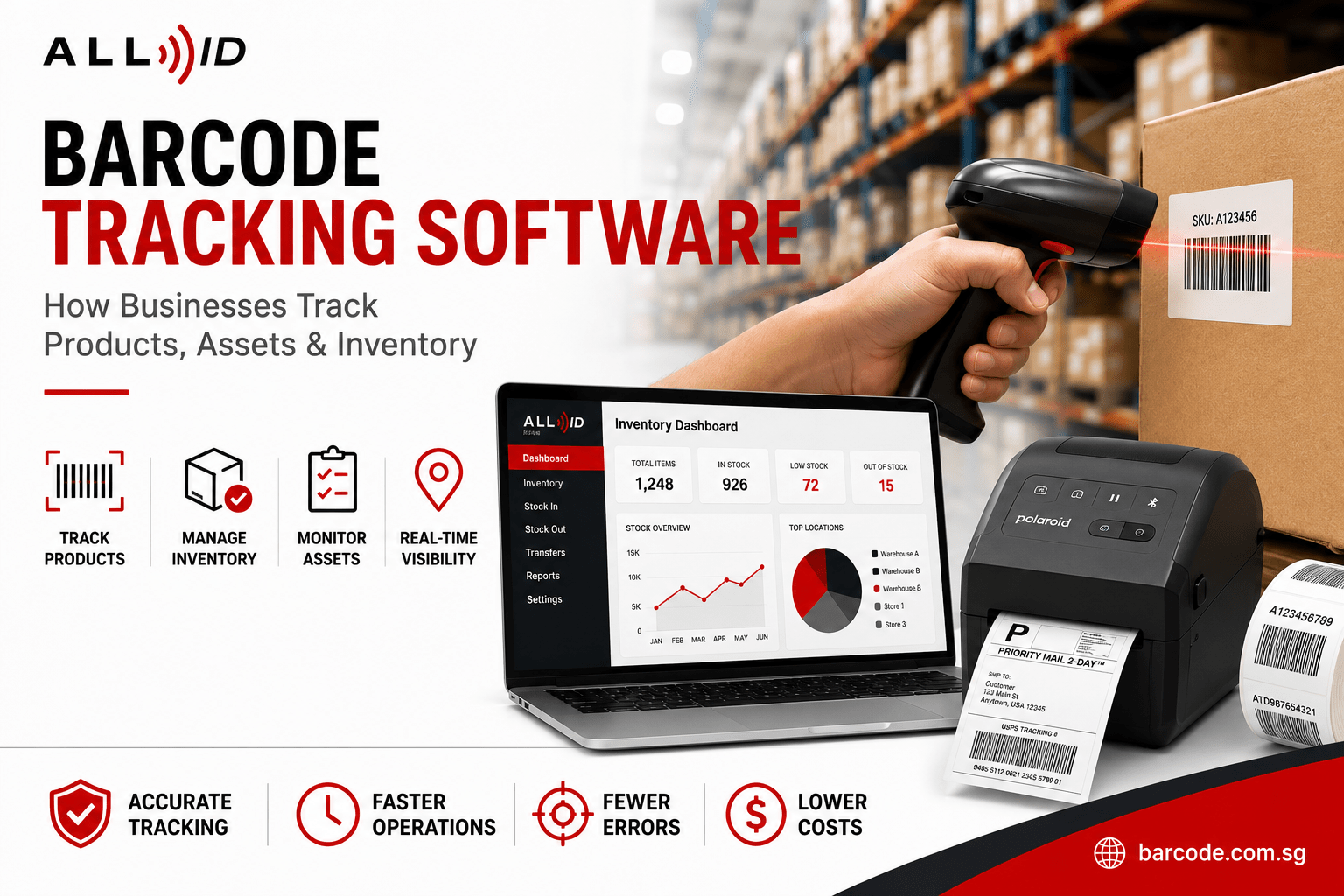
- Barcode tracking software connects barcode labels, scanners, and inventory management systems to keep accurate, real-time records of products, assets, and stock across your inventory.
- Businesses use barcode inventory systems to reduce manual errors, speed stock audits, and gain full inventory visibility across warehouses, retail locations, and multiple sales channels.
- Modern barcode systems track more than products—including assets, tools, documents, and personnel via ID cards—across multiple locations with mobile access and batch tracking.
- All ID Asia supplies hardware (scanners, printers, labels) and software integration, advising when solutions like Pesona IMS Basic suit your needs.
- This guide explains what barcode tracking software is, how barcode inventory systems work, and the key features to look for before you explore the barcode tracking software solutions for your business.
Introduction: Why Accurate Tracking Matters in 2026
Post-pandemic challenges and geopolitical disruptions have made accurate inventory control increasingly important for businesses worldwide. With more than 10 billion barcodes scanned daily around the world, barcode technology is central to modern business processes.
Barcode tracking software automates inventory management using barcodes, scanners, and inventory software, reducing errors and enhancing stock accuracy. Typical uses include retail stock counts, warehouse management, manufacturing batch control, and IT asset tracking.
All ID Asia provides AIDC hardware (Automatic Identification and Data Capture hardware) and integrated solutions, helping businesses implement barcode systems suited to their needs, with easy connectivity to accounting software and enterprise resource planning (ERP) systems.
What Is Barcode Tracking Software?
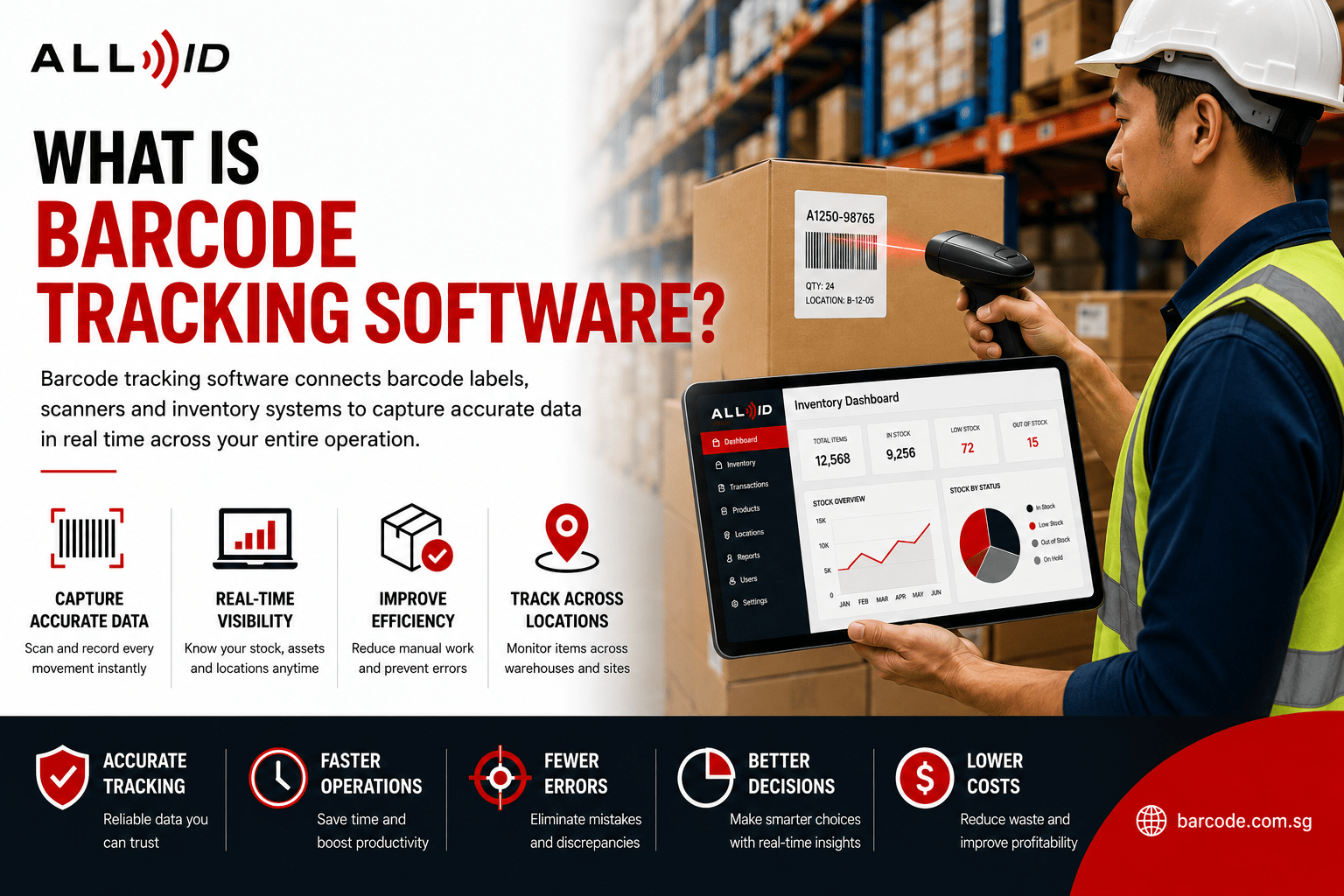
Barcode tracking software is a specialized type of inventory software that uses barcode scanning to accurately record the movement, quantity, location, and status of inventory items or assets. It integrates three main components: barcode labels encoding product or asset data, barcode scanners (1D, 2D, mobile, or fixed), and the software (central inventory management system).
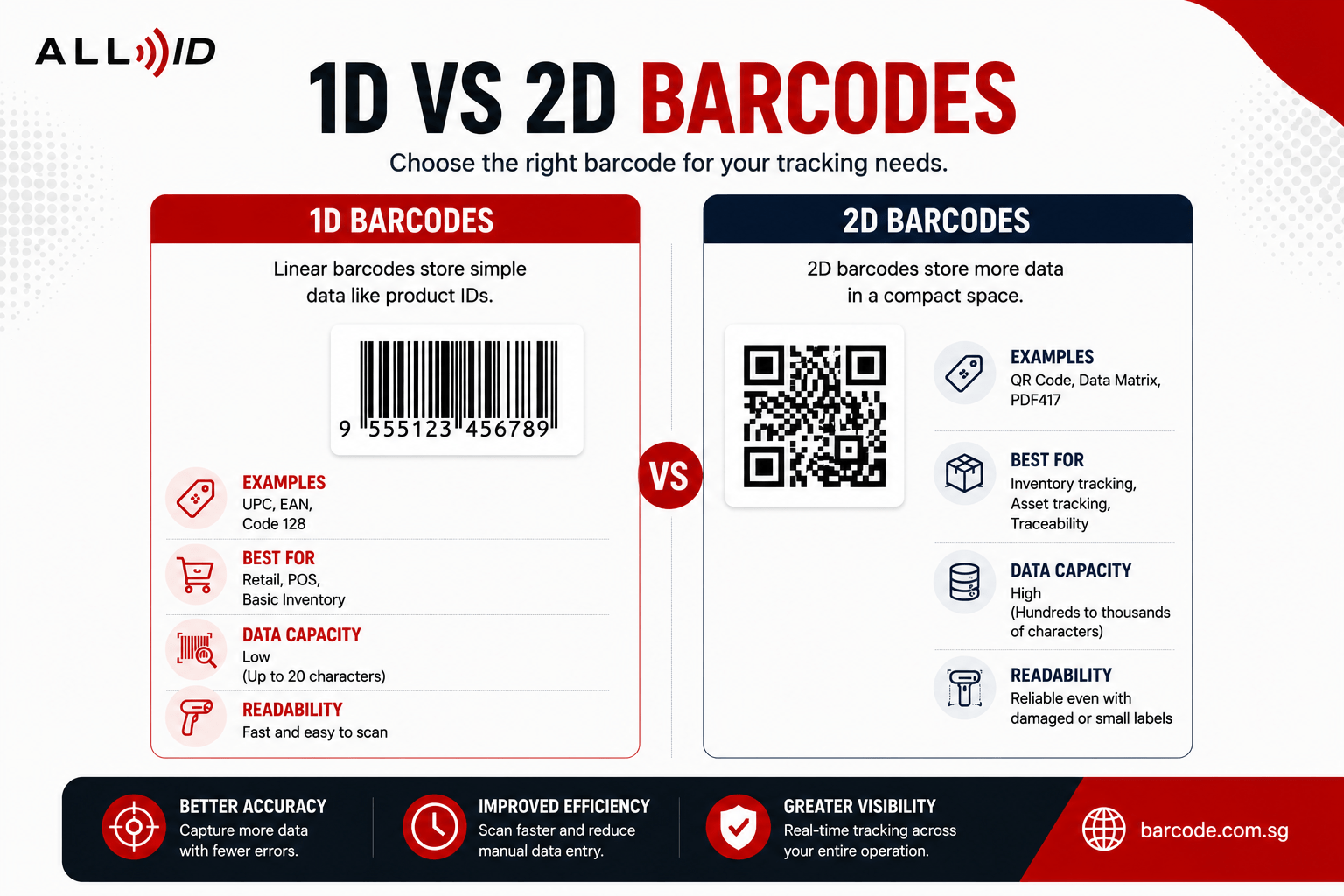
This software stores detailed item information such as SKU, description, cost, location, serial number, batch/lot number, and status (e.g., in stock, reserved, shipped). Barcodes come in two primary forms: one-dimensional (1D) and two-dimensional (2D).
- 1D barcodes consist of a series of parallel lines of varying widths
Example: UPC, EAN, and Code 128
- 2D barcodes use squares, dots or hexagons to store more complex data like URLs or detailed product info.
Example: QR codes and Data Matrix Codes
Unlike broader inventory software or ERP systems, barcode tracking software focuses on fast, precise data capture on the shop floor and typically includes a built-in barcode generator and label printing capabilities with thermal label printers.
What Can Barcode Tracking Software Track?
A modern barcode inventory system can track physical items across their entire lifecycle: receipt, storage, use, movement, and disposal.
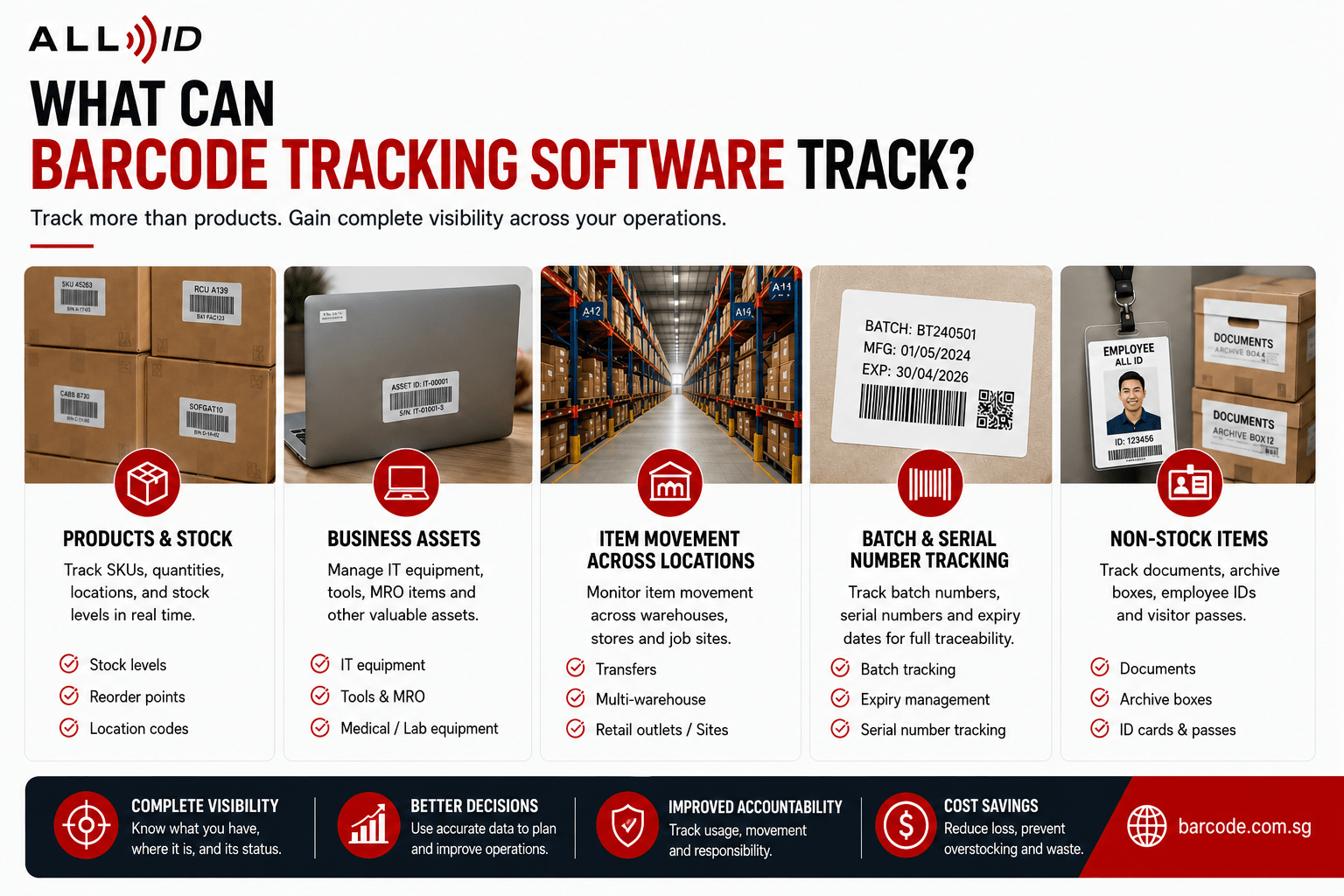
Products and Stock
Item Type | Tracking Details |
| Finished goods | Stock levels, reorder points, location codes |
| Components | Rack, bin, store branch assignments |
| Raw materials | Supplier batch information, expiry dates |
Business Assets
Barcode tracking software extends beyond products to cover IT equipment like laptops and printers, as well as tools, MRO (maintenance, repair and operations) items, and medical or lab equipment in healthcare. This comprehensive tracking provides detailed reporting and analytics, allowing businesses to identify trends such as under-utilized assets or high-maintenance items.
Item Movement Across Locations
The system monitors transfers between warehouses, retail outlets, and project sites, maintaining real-time knowledge of each item’s location and movement. This capability is vital for businesses operating multiple warehouses or branches across Singapore and the ASEAN, as it supports warehouse management and mobile access for staff on the move.
Batch and Serial Number Tracking
Industries requiring traceability, recall management, or expiry tracking—such as food, pharmaceuticals, and cosmetics—benefit from batch and serial number tracking. Batch numbers combined with expiry dates enable effective quality control, while serial numbers support warranty and maintenance histories for high-value items. Additionally, non-stock items like documents, archive boxes, and employee or visitor IDs can be tracked using barcode labels and QR code scanners.
How Barcode Tracking Works in Daily Operations
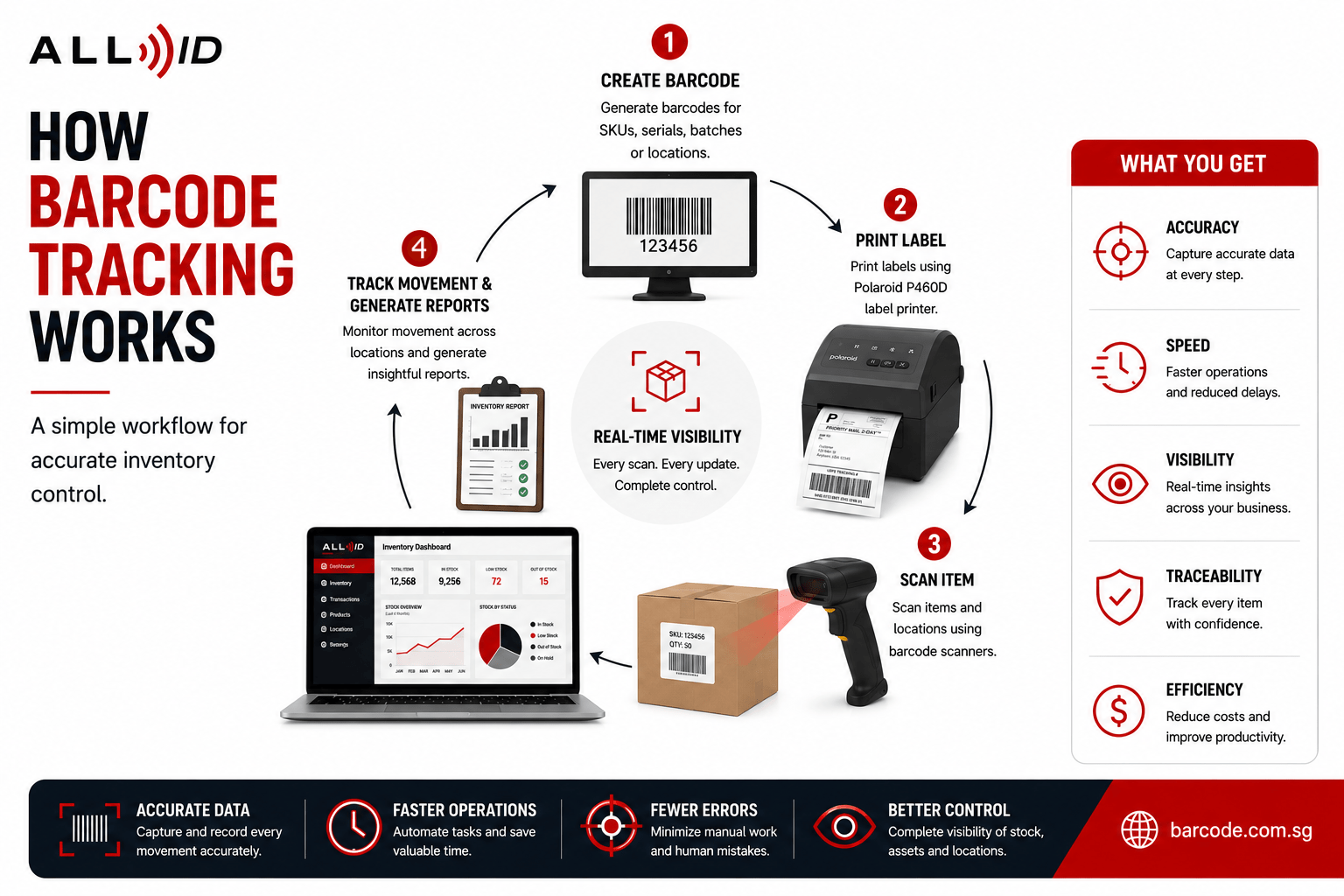
A typical workflow starts with barcode creation and label printing, where users generate barcodes for SKUs, serials, batches, or locations using a barcode generator and print them using thermal label printers. Receiving staff scan supplier or internal barcodes to update inventory records and scan location labels during put-away to record exact storage positions.
During picking, packing, and shipping, staff scan items and order barcodes to verify correct products and quantities. Shipment barcodes and shipping labels track packages through dispatch and delivery.
Cycle counting and stock audits are streamlined using handheld scanners or mobile devices, allowing frequent inventory counts that compare scanned quantities against records and flag discrepancies immediately.
Asset and tool movements are tracked by scanning barcode or QR code tags during check-in and check-out, creating an audit trail of usage and location.
All scans update the central database in near real time, providing managers with robust reporting on stock aging, batch expiration, fast- and slow-moving items, asset registers, and location balances. This complete visibility ensures decisions are based on accurate, current data and key metrics.
Benefits of Barcode Tracking Software for Businesses
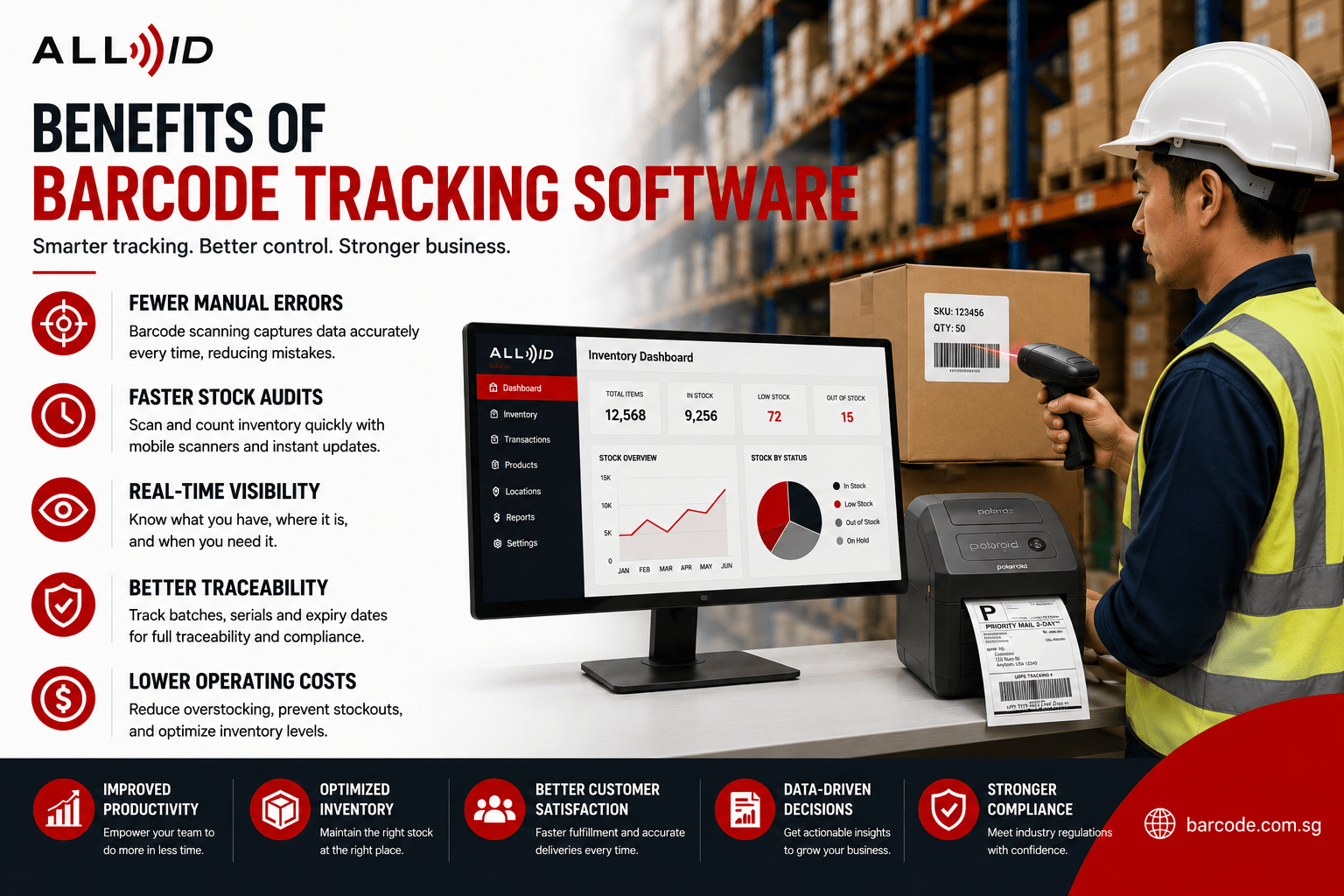
Barcode inventory management software delivers significant improvements in accuracy, speed, and operational control across your inventory processes.
Fewer Manual Errors
Barcode tracking software captures data instantly and accurately, minimizing human error and ensuring reliable inventory records.
Faster Stock Checks and Audits
Barcode scanning software accelerates inventory tasks, allowing stock counts that once took days with spreadsheets to be completed within hours. This efficiency benefits financial audits and year-end reporting.
Better Inventory Visibility
Barcode systems boost inventory accuracy, providing managers with real-time insights into on-hand, reserved, and available stock across multiple locations. This visibility is crucial for multi-channel sellers managing diverse sales platforms and integrating with POS systems.
Improved Accountability and Traceability
Scan histories create auditable trails of who handled items and when, supporting compliance in regulated industries like pharmaceuticals and food.
More Efficient Operations and Cost Savings
Automation reduces labor time, lowers operational costs by minimizing errors and rework, decreases stockouts, and optimizes warehouse space. These efficiencies translate into significant cost savings and enhanced fulfillment processes.
Scalability
Once established, barcode systems enable easy expansion to additional items, locations, or users through configuration rather than redesign, supporting business growth effectively.
When Should Businesses Consider Barcode Inventory Software?
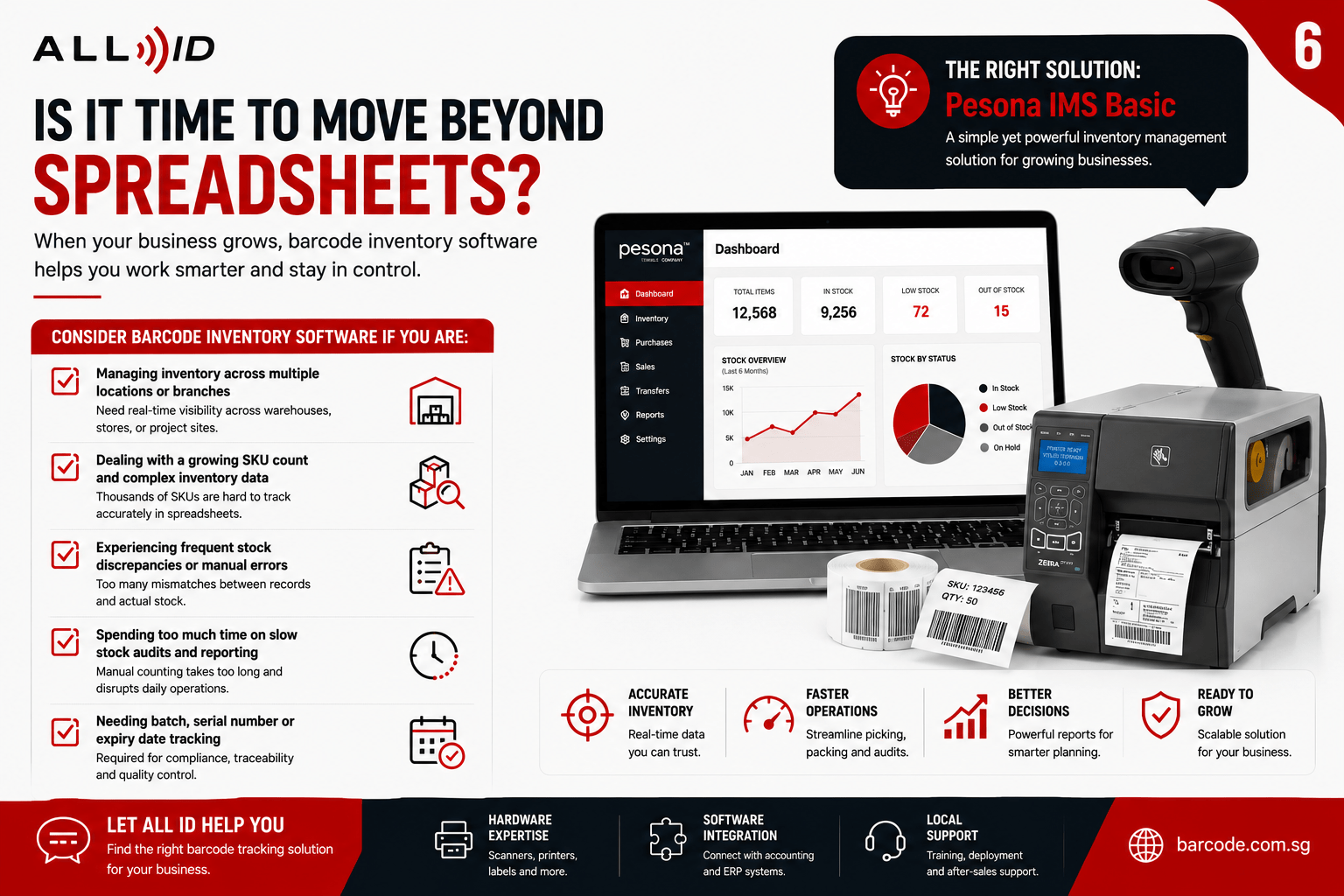
Pesona IMS Basic represents a practical, user-friendly barcode inventory system for Small and Medium Enterprises (SMEs). It is not a complex enterprise solution. It is a complete inventory tracking system that is low-cost and ready-to-install.
Spreadsheets and manual logs typically start failing when businesses have:
- Multiple locations with hundreds or thousands of SKUs
- Frequent stock discrepancies
- Inventory audits taking days instead of hours
An entry-level inventory management software solution becomes suitable when businesses require structured item masters, location tracking, and barcode scanning connected to a central inventory database. For SMEs that have outgrown spreadsheets and manual stock records, a barcode inventory system can provide greater visibility, accuracy, and operational control.
Businesses looking for a practical barcode inventory software solution may consider systems such as Pesona IMS Basic, which is designed for everyday inventory tracking and barcode-based stock control.
Common Mistakes to Avoid When Implementing Barcode Tracking
Many projects fail due to poor planning and process design, not technology limitations. To implement a barcode inventory management system successfully, businesses should begin by organizing their inventory to streamline the process and identify any special features needed.
Relying on Spreadsheets Too Long
Risks include version conflicts, manual entry errors, and lack of audit trails. Use spreadsheets only for initial data import, not as the core inventory system.
Using Disconnected Systems
Separate POS, warehouse, and accounting systems that don’t share inventory data create problems. Plan for integration or choose inventory tracking software that integrates seamlessly with existing systems from the start.
Poor Barcode Setup and Label Design
Unreadable labels, duplicated codes, or labels failing under heat or moisture undermine the entire system. Choose appropriate label materials, ribbon types, and barcode formats—AIDC specialists like All ID Asia provide guidance.
Choosing Software That Doesn’t Match Workflows
Avoid selecting software based solely on price without testing against actual receiving, picking, and stocktaking processes. Run pilot tests in one warehouse or store before company-wide rollout.
Insufficient Training and Change Management
Untrained staff may bypass scanning steps, leading to inaccurate data. Continuous employee training and support are integral to successful implementation, ensuring staff understand the technology and its updates. Plan practical training sessions and clear SOPs.
Ignoring Data Standards and Item Masters
Clean and standardize item descriptions, codes, and units of measure before you go-live. Data security and backup strategies should be prioritized when implementing a barcode system to prevent data loss. Regular system maintenance and updates are essential for ensuring optimal performance, with recommendations for at least biannual checks.
FAQs
Is barcode tracking software the same as inventory software?
Barcode tracking software focuses on scanning and data capture, while inventory software may include broader functions like forecasting, batch tracking, and purchasing. Some systems combine both.
Do I need dedicated barcode scanners, or can I use smartphones?
Smartphones with QR code scanners work for light use, but industrial barcode scanners are better for heavy-duty warehouse tasks. All ID Asia can help choose the right hardware.
How long does it take to implement a barcode inventory system?
Small setups can take from a few days to a few weeks; larger multi-site projects may take a little longer. Data cleaning, training, and integration with accounting software often take the most time. Check with our experts to gauge a correct timeline.
Can barcode tracking handle both inventory and fixed assets?
Yes, many systems track both, but some may require separate modules for assets.
What if some of my suppliers already print their own barcodes?
Most systems can use supplier barcodes if mapped correctly; you can also relabel items internally if needed.
Conclusion: Turning Barcodes into Reliable Business Data
Barcode tracking software turns simple labels and scanners into an efficient system for managing products, assets, and documents. By automating tracking and providing real-time stock visibility, it helps businesses improve accuracy, avoid stock issues, and make better inventory decisions.
For businesses moving beyond spreadsheets, exploring an inventory software solution, Pesona IMS Basic provides a practical starting point for a scalable barcode inventory system. Browse All ID Asia’s range of barcode scanners, label printers, and RFID solutions, or contact the team for advice on designing a barcode tracking software solution that fits your operations.
