






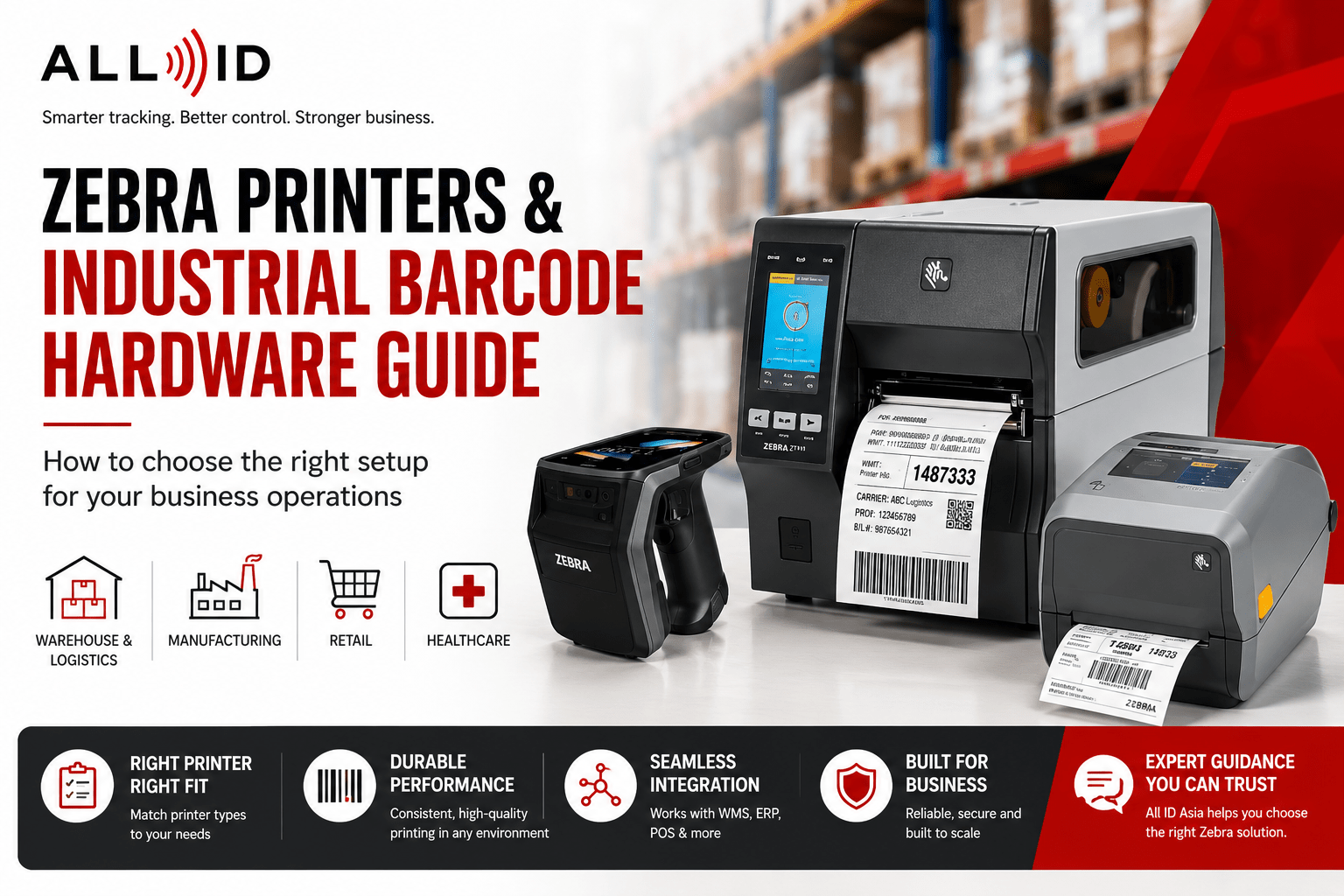
Zebra is widely recognised for industrial durability, enterprise integration, and long-term product support.
Key Takeaways
- Zebra printers are specialised label printers designed for barcode labels, shipping tags, and product identification in warehousing, manufacturing, logistics, retail, and healthcare across Singapore and ASEAN .
- Zebra’s main printer categories include desktop, industrial, and mobile printers, each available in direct thermal or thermal transfer models to suit different durability needs.
- Zebra also offers a wide range of enterprise level AIDC (Automatic Identification and Data Capture) solutions.
- Zebra Industrial barcode hardware encompasses barcode printers, scanners, mobile computers, RFID readers, and label supplies, all working together for efficient tracking and data capture.
- Selecting the right printer involves matching print volume, environment, media type, connectivity options, and workflow to your business needs rather than focusing on price alone.
- After understanding your requirements, explore All ID Asia’s Zebra printers and barcode printers for detailed model comparisons.
Introduction: Why Zebra Printers & Industrial Barcode Hardware Matter
Accurate barcode printing and scanning are vital for smooth operations in warehousing, manufacturing, logistics, healthcare, and retail. From shipping pallets in Singapore’s distribution centers to patient wristbands in hospitals, reliable barcode printing and scanning prevent errors and delays.
With 56 years of industrial innovation and market presence, Zebra Technologies leads the barcode printer market globally, offering a wide array of barcode printers, mobile computers, scanners, and RFID devices used across various industries worldwide. This Zebra printer guide from All ID Asia helps Singapore and ASEAN businesses understand Zebra’s printing technologies, hardware types, and how to select the best setup for their needs in consultation with All ID Asia. It’s an advisory resource, not a product listing.
What Are Zebra Printers Used For?
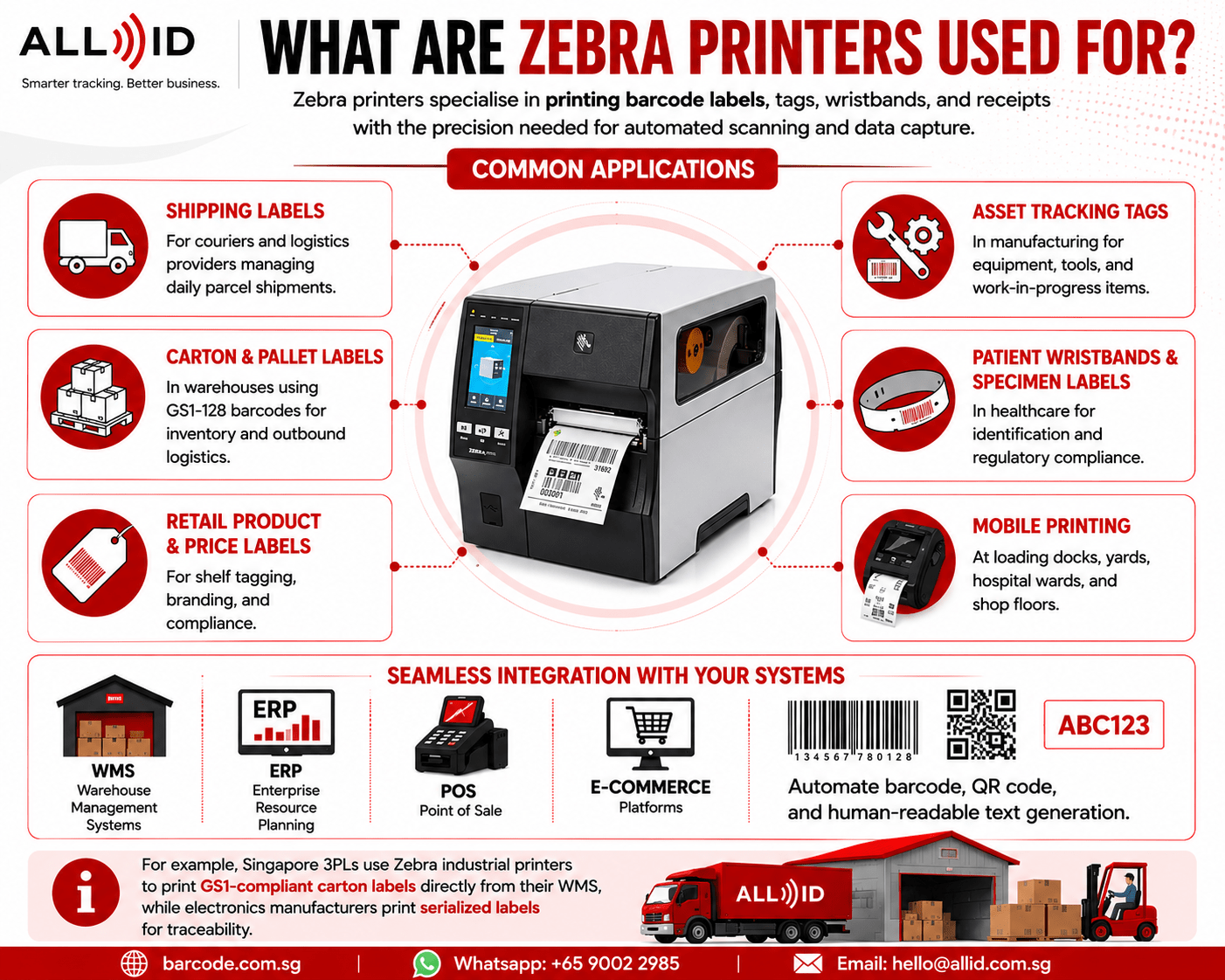
Zebra printers specialise in printing barcode labels, tags, wristbands, and receipts with the precision needed for automated scanning and data capture.
Common applications include:
- Shipping labels for couriers and logistics providers managing daily parcel shipments.
- Carton and pallet labels in warehouses using GS1-128 barcodes for inventory and outbound logistics.
- Retail product and price labels for shelf tagging, branding, and compliance.
- Asset tracking tags in manufacturing for equipment, tools, and work-in-progress items.
- Patient wristbands and specimen labels in healthcare for identification and regulatory compliance.
- Mobile printing at loading docks, yards, hospital wards, and shop floors.
Zebra printers integrate with Warehouse Management Systems (WMS), Enterprise Resource Planning (ERP), Point of Sale (POS), and e-commerce platforms to automate barcode, QR code, and human-readable text generation. For example, Singapore 3PLs use Zebra industrial printers to print GS1-compliant carton labels directly from their WMS, while electronics manufacturers print serialized labels for traceability.
What Counts as Industrial Barcode Hardware?
Industrial barcode hardware includes all devices and supplies needed to capture and track data via barcodes, QR codes, and RFID.
Key components:
- Barcode printers: desktop models for counters, industrial for factory floors, and mobile for field use. For example, Zebra ZD621 Desktop Label Printer comes with outstanding print quality.
- Barcode scanners: 1D and 2D barcode scanners, fixed-mount imagers, and presentation scanners.
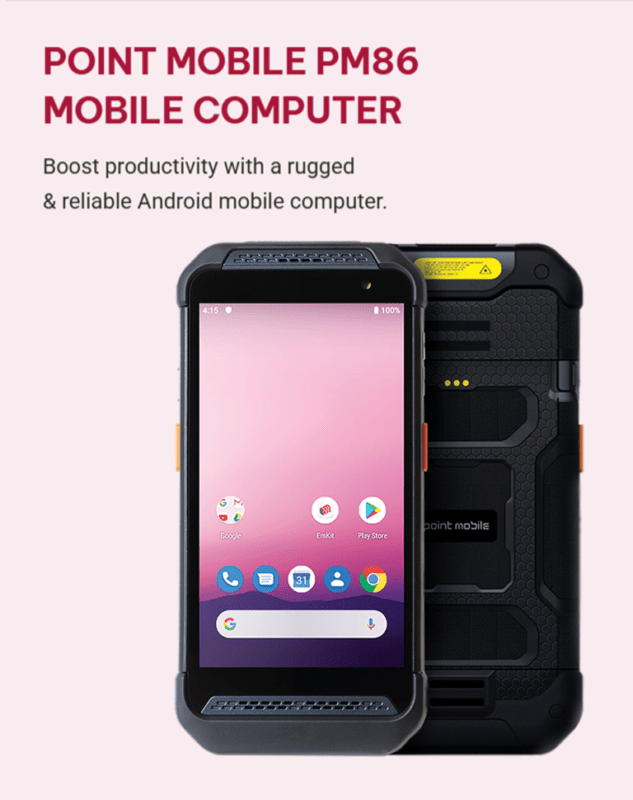
- Mobile computers: handheld devices combining scanning, computing, and communication for picking and inventory management. Zebra TC22R RFID Mobile Computer with Integrated UHF Reader and Zebra MC3400 handheld computers are popular models in this category.
- RFID readers and tags: fixed, desktop, and handheld readers for contactless long-range data capture.
Consumables such as labels, ribbons, wristbands, and tags must match your printer and application to ensure print durability and scan reliability. Accessories like label rewinders, peelers, and auto cutters enhance Zebra industrial printers’ efficiency. All ID Asia offers a full AIDC stack in Singapore and ASEAN, including hardware, supplies, custom label design, and integration.
Types of Zebra Printers & Printing Technology
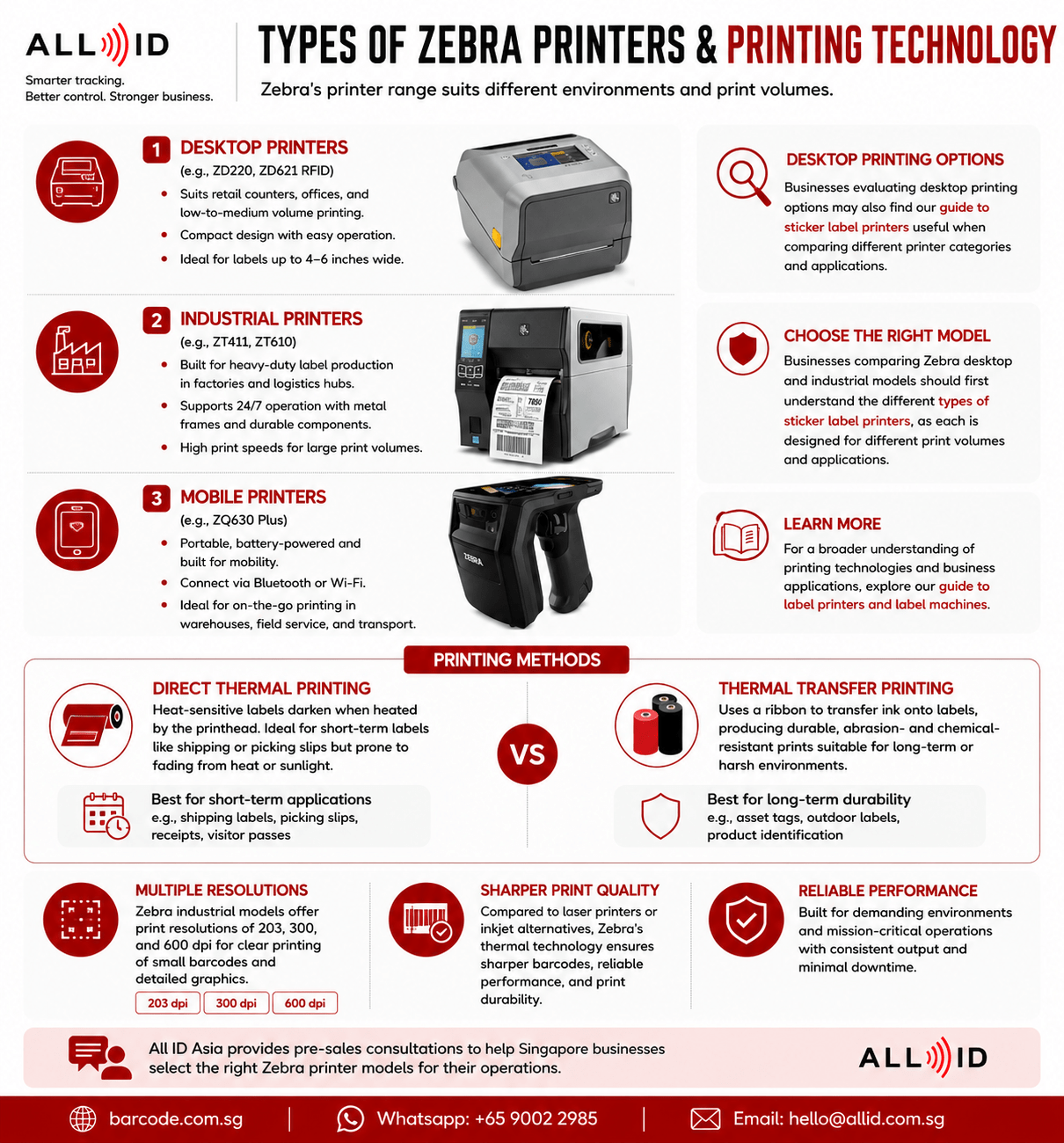
Zebra’s printer range suits different environments and print volumes:
- Desktop printers (e.g., ZD220, ZD621 RFID) suit retail counters, offices, and low-to-medium volume printing with a compact design. Businesses evaluating desktop printing options may also find our guide to sticker label printers useful when comparing different printer categories and applications.
- Industrial printers (e.g., ZT411, ZT610) are built for heavy-duty label production in factories and logistics hubs, supporting 24/7 operation with metal frames and faster print speeds.
- Mobile printers (e.g., ZQ630 Plus) are portable, battery-powered, and connect via Bluetooth or Wi-Fi for on-the-go label printing in warehouses, field service, and transport.
Businesses comparing Zebra desktop and industrial models should first understand the different types of sticker label printers, as each is designed for different print volumes and applications.
Printing methods include:
- Direct thermal printing methods: heat-sensitive labels darken when heated by the printhead; ideal for short-term labels like shipping or picking slips but prone to fading from heat or sunlight.
- Thermal transfer printers: use a ribbon to transfer ink onto labels, producing durable, abrasion- and chemical-resistant prints suitable for long-term or harsh environments. For a broader understanding of printing technologies and business applications, explore our guide to label printers and label machines.
Zebra industrial models offer print resolutions of 203, 300, and 600 dpi, allowing clear printing of small barcodes and detailed graphics. Compared to laser printers or inkjet alternatives, Zebra’s thermal technology ensures sharper barcodes, reliable performance, and print durability.
How to Choose the Right Zebra Printer
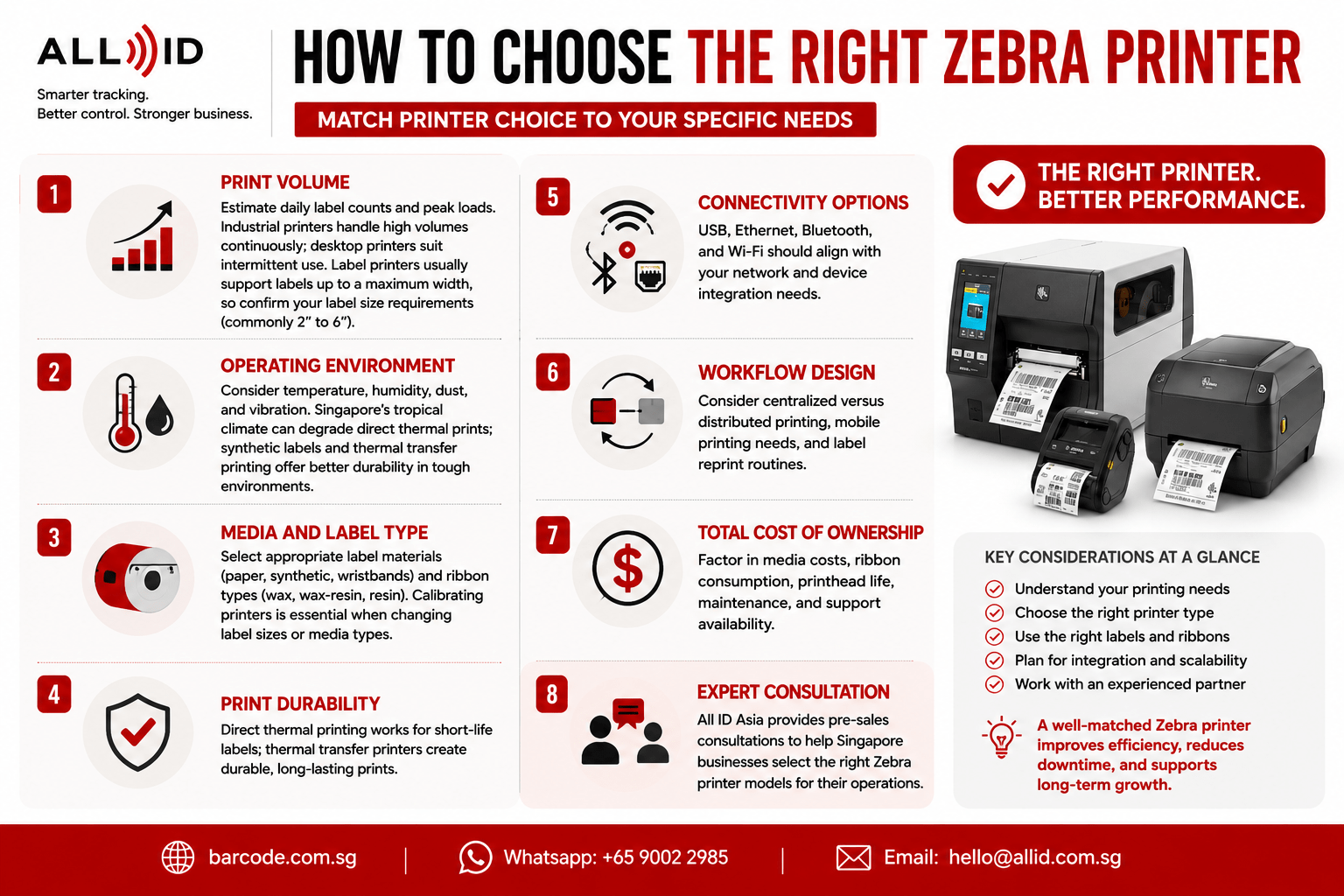
Match printer choice to your specific needs:
- Print volume: estimate daily label counts and peak loads. Industrial printers handle high volumes continuously; desktop printers suit intermittent use. Label printers usually support labels up to a maximum width, so confirm your label size requirements (commonly 2″ to 6″).
- Operating environment: consider temperature, humidity, dust, and vibration. Singapore’s tropical climate can degrade direct thermal prints; synthetic labels and thermal transfer printing offer better durability in tough environments.
- Media and label type: select appropriate label materials (paper, synthetic, wristbands) and ribbon types (wax, wax-resin, resin). Calibrating printers is essential when changing label sizes or media types.
- Print durability: direct thermal printing works for short-life labels; thermal transfer printers create durable, long-lasting prints.
- Connectivity options: USB, Ethernet, Bluetooth, and Wi-Fi should align with your network and device integration needs.
- Workflow design: consider centralized versus distributed printing, mobile printing needs, and label reprint routines.
- Total cost of ownership: factor in media costs, ribbon consumption, printhead life, maintenance, and support availability.
All ID Asia provides pre-sales consultations to help Singapore businesses select the right Zebra printer models for their operations.
When Do Businesses Need Industrial Barcode Hardware?
Industrial barcode hardware becomes essential in these scenarios:
- Warehousing and 3PLs managing thousands of SKUs (stock keeping units) and shipments rely on industrial printers and barcode scanners to reduce bottlenecks and boost productivity across large warehouses. These environments often integrate printers with barcode tracking software to improve inventory visibility and operational accuracy.
- Manufacturing plants require durable labels for work-in-progress, finished goods, and asset tracking, often printed on Zebra industrial label printers with thermal transfer for reliable performance over the product lifecycle.
- Retail chains need consistent price labels, shelf tags, and backroom stock labels across multiple outlets, enabled by user-friendly features on Zebra desktop printers.
- Logistics and e-commerce operations handle high parcel volumes where direct thermal printers may suffice initially but often require upgrading as volumes grow.
- Healthcare, labs, and government agencies require compliant labeling with high print resolution for specimens, documents, and patient IDs.
- Inventory-heavy SMEs may start with desktop printers and a few scanners, then scale into industrial barcode hardware as order volumes and locations increase. Many growing businesses also connect their printers and scanners to inventory management software to streamline stock control and warehouse operations.
Zebra Printers vs General Barcode Printers
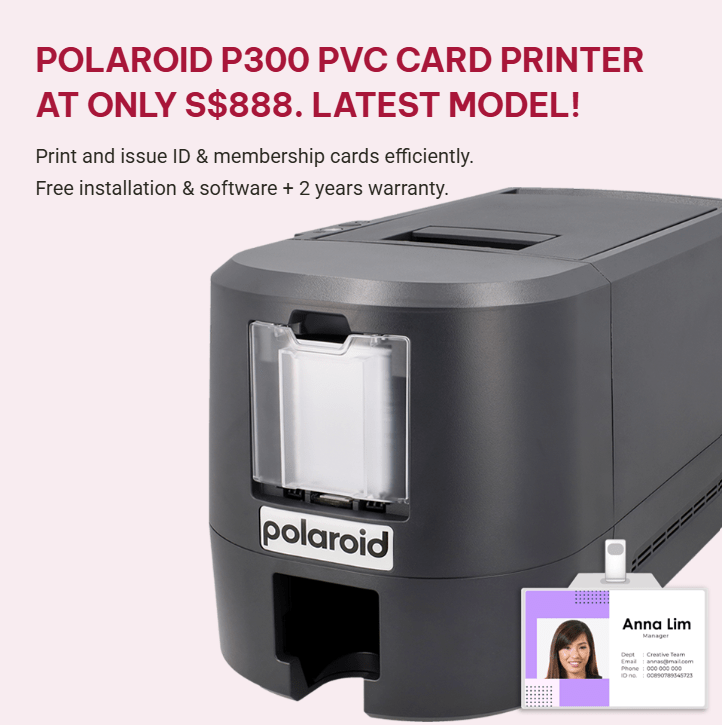
Zebra is a leading barcode printer brand alongside others like, TSC and Polaroid, Zebra excels in industrial-grade durability, ecosystem integration, firmware management (Link-OS), and long-term availability of parts and supplies.
Choose Zebra when you need multi-shift industrial reliability, integration with Zebra scanners and mobile computers, or a global brand with advanced features. Other brands may suffice for low-volume office use or where cost and versatility are priorities.
All ID Asia supplies both Zebra printers and other label printer options to suit diverse business needs.
Browse Zebra Printers and Barcode Printer Options
Explore the full Zebra barcode printer range or the broader barcode printer category to compare models by form factor, printing technology, and resolution.
All ID Asia’s expert team can assist with model comparisons, total cost of ownership analysis, and matching printers with compatible labels and ribbons.
Common Mistakes to Avoid When Choosing Zebra & Industrial Barcode Hardware
Avoid these pitfalls:
- Using desktop label printers where industrial models are needed for sustained high volume and tough environments, causing premature wear and downtime.
- Ignoring future growth, leading to insufficient printer capacity for expanded SKUs, new warehouses, or higher shift counts.
- Overlooking label and ribbon compatibility, resulting in poor print quality, premature printhead wear, or unreadable barcodes. Media calibration is vital for ensuring printers detect label sizes accurately.
- Neglecting routine maintenance such as regular cleaning with isopropyl alcohol, which prevents faded labels and scanning issues. Keeping printer covers closed protects components from dust. Adjusting print speed and darkness settings helps resolve faded prints.
- Focusing only on hardware price without considering workflow design, media costs, and maintenance support in Singapore or the ASEAN.
- Buying printers without confirming integration with existing WMS, ERP, e-commerce platforms, or other devices in your technology stack.
Involve operations, IT, and procurement teams to manage these risks effectively.
FAQs
What is a Zebra printer and how is it different from a standard label printer?
A Zebra printer is a specialised barcode and label printer designed for business and industrial use, typically using direct thermal or thermal transfer technology rather than liquid ink or toner. Compared to generic office equipment or standard label printers, Zebra printers are optimised for continuous barcode printing, higher duty cycles, and direct integration with scanners and mobile computers. They are part of a wider AIDC ecosystem that All ID Asia deploys for tracking, registration, and identification projects across various industries.
Do I need direct thermal or thermal transfer printing for my labels?
Use direct thermal printing for short-life labels such as courier and picking labels that last days or weeks—direct thermal printers are best for short-term labeling where cost per label matters most. Choose thermal transfer printers for long-life, outdoor, or harsh-environment labels where resistance to heat, abrasion, and chemicals is critical, as thermal transfer printers create durable, long-lasting prints.
Which Zebra printer type is best for warehouse and manufacturing operations?
For 24/7 warehouse and factory environments, Zebra industrial printers such as the ZT series are usually preferred due to metal construction, higher print speeds, and larger media capacity that supports reliable performance under continuous load. Desktop printers can still serve receiving counters or low-volume areas, while mobile printers complement fixed printers by enabling operators to print barcodes and labels directly at racks, pallets, and workstations.
What industrial barcode hardware do I need besides a printer?
Typical components include handheld barcode scanners or 2D imagers, vehicle-mounted or handheld mobile computers, RFID readers and tags if RFID is required, and suitable labels and ribbons. Many Singapore businesses start with printers and scanners, then expand to mobile computers, kiosks, and RFID as workflows mature. All ID Asia can design a complete solution including hardware, labels, and software integration.
How can Singapore businesses get support for Zebra printers and barcode hardware?
All ID Asia offers pre-sales consultation, hardware sourcing, and after-sales support for Zebra printers across Singapore and the wider ASEAN region. You can browse products online, request demos, or submit enquiries for customized solutions such as warehouse labeling, asset tracking, or access control. Contact All ID Asia to map your requirements to the right combination of Zebra printers and industrial barcode hardware for your operation.
Conclusion
Selecting the right Zebra printer and industrial barcode hardware setup requires understanding your print volume, environment, media, connectivity options, and workflow needs. Zebra’s range of desktop, industrial, and mobile printers, combined with comprehensive barcode hardware, supports efficient, accurate operations across industries. Use this zebra printer guide to make an informed decision and explore All ID Asia’s Zebra printers and barcode printer options to find the best fit for your business.
Unsure of which model suits your barcode printing needs? Contact our friendly team, we are here to help!
